
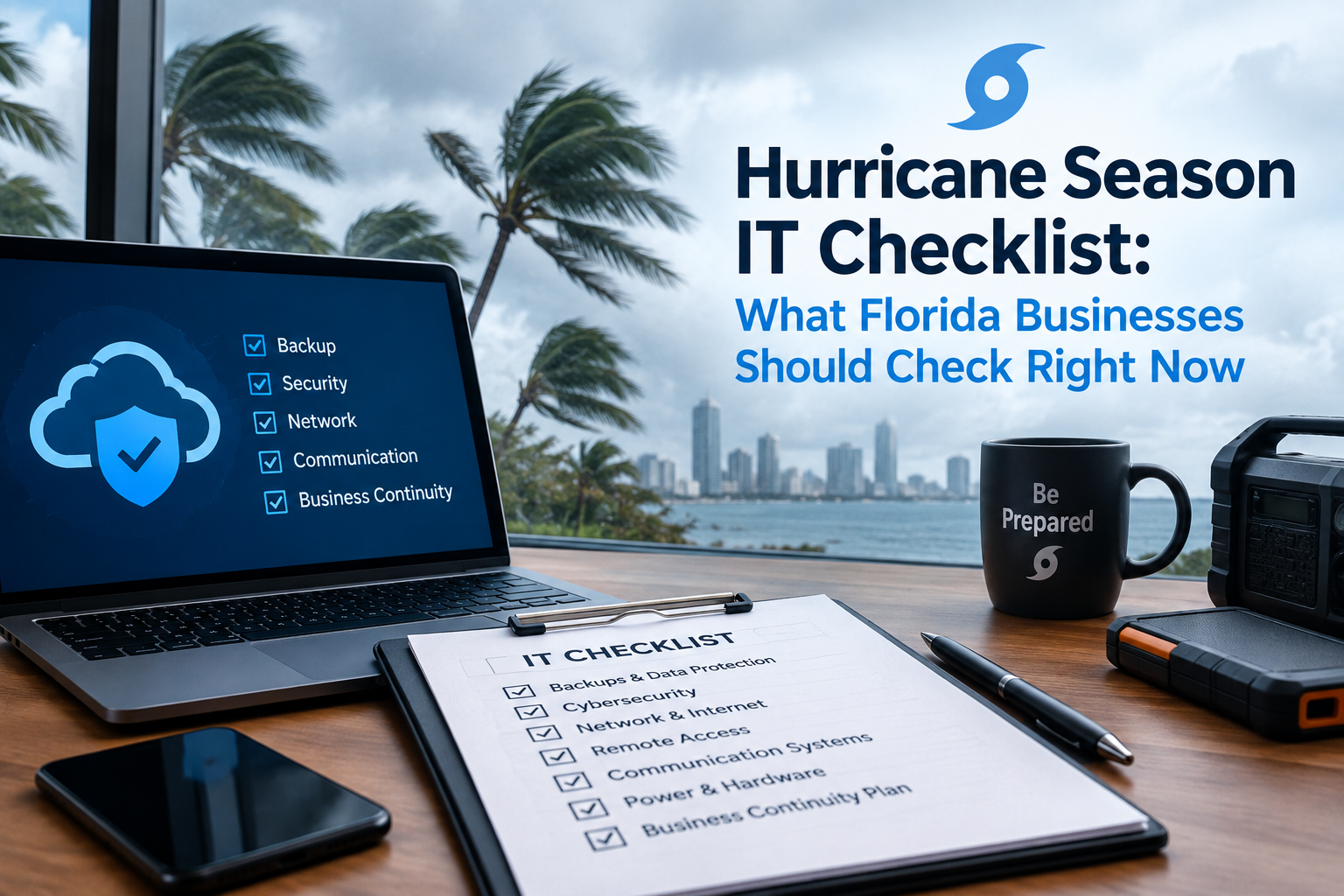
Hurricane Season IT Checklist: What Florida Businesses Should Check Right Now
Hurricane season runs through November. Here's the practical IT checklist to run through before the next storm warning, not during one.
Atlantic hurricane season runs from June through November, which means Florida businesses are still well within the window for a storm serious enough to knock out power, flood an office, or force a sudden evacuation. Most of the damage IT teams deal with after a storm isn't from wind or water directly - it's from gaps in a plan nobody tested until it was too late.
Before the next storm warning, confirm four things: your backups are actually recent and restorable (not just "running"), your team can work from somewhere other than the office, your disaster recovery plan has been tested in the last 12 months, and everyone knows who to contact if systems go down. Most storm-related data loss traces back to one of these four gaps, not the storm itself.
1. Confirm Backups Are Recent - and Actually Restorable
A backup system that's "running" isn't the same as a backup system that works. The only way to know for sure is to actually test a restore, not just check that the backup job completed without an error.
- When was the last time someone actually restored a file from backup, not just checked that the backup ran?
- Is backup data stored somewhere geographically separate from your office - meaning a local outage or flood doesn't affect the backup itself?
- How far back can you go? If ransomware or corruption happened three days before the storm and nobody noticed, is there a clean backup from before that?
If you can't answer these confidently, this is worth checking this week, not after the next storm warning goes up.
2. Confirm Your Team Can Actually Work Remotely
Many businesses assume they're "ready" for remote work because employees have laptops. Readiness means something more specific: can people log into the systems they need, from home, with the access and permissions they'd normally have in the office?
- Do employees have remote access set up and tested, not just theoretically possible?
- Are phone systems set up to forward to cell phones or work from anywhere, or does your business line only ring at a physical desk?
- Is there a way for the team to communicate if email or your usual chat tool is down?
3. Confirm Your Disaster Recovery Plan Has Actually Been Tested
A disaster recovery plan that exists as a document but has never been tested is a plan with unknown gaps. Testing doesn't need to be a full-scale drill - even a tabletop walkthrough of "what exactly happens if our main office loses power for three days" surfaces gaps that look fine on paper but fall apart in practice.
- Has anyone actually walked through a failover to backup systems in the last year?
- Does the plan account for a multi-day outage, not just a few hours?
- Are recovery time expectations (how long until systems are back) realistic, or just hopeful?
4. Confirm Everyone Knows Who to Call
In the chaos right after a storm, "who handles this" shouldn't be a question anyone has to figure out in the moment. A short, printed (not just digital) list of who to contact - your IT provider, key vendors, insurance - saves critical time when phones are dying and internet access is spotty.
- Does your team have a physical, offline copy of key contacts and account numbers, not just something saved in an email that requires internet access to open?
- Does your IT provider have an emergency contact process, and does your team know what it is?
What This Looks Like in Practice
None of this requires expensive new infrastructure for most small and mid-sized businesses. It requires confirming that what's already in place actually works - which is exactly why testing matters more than having a plan that's never been exercised. A backup system, a disaster recovery plan, and a remote work setup are only as good as the last time someone verified they function under pressure.
At BitGiants, our disaster recovery services are built specifically around Florida's storm risk, with geographically redundant backup as the foundation - because a plan that only works when the power stays on isn't much of a plan for hurricane season.
Frequently Asked Questions
How often should a disaster recovery plan actually be tested?
At least once a year for most small and mid-sized businesses, and ideally once before each hurricane season specifically. A plan that hasn't been tested in over a year likely has gaps nobody has noticed yet.
What's the difference between a regular backup and hurricane-ready backup?
The key difference is geographic redundancy - backups stored only on-site or in the same region can be affected by the same storm that knocks out your office. Hurricane-ready backup means the data lives somewhere the storm can't reach.
We're a small business - do we really need a formal disaster recovery plan?
The size of the plan should match the size of the business, but the core elements - tested backups, a way to work remotely, and a clear contact list - matter regardless of headcount. A one-page plan that's actually been tested beats a detailed plan that's never been touched.
How much advance warning do we typically get before a hurricane hits Florida?
Watches are often issued 48 hours ahead and warnings around 36 hours ahead, but storms can strengthen or shift path with little notice. The point of preparing checklist items now is that 36-48 hours isn't enough time to fix gaps you didn't know you had.
If you want a second set of eyes on your current backup and disaster recovery setup before the next storm watch is issued, get in touch - we're happy to walk through it.